For the families of airline crew
Know where your person is — and when they're home.
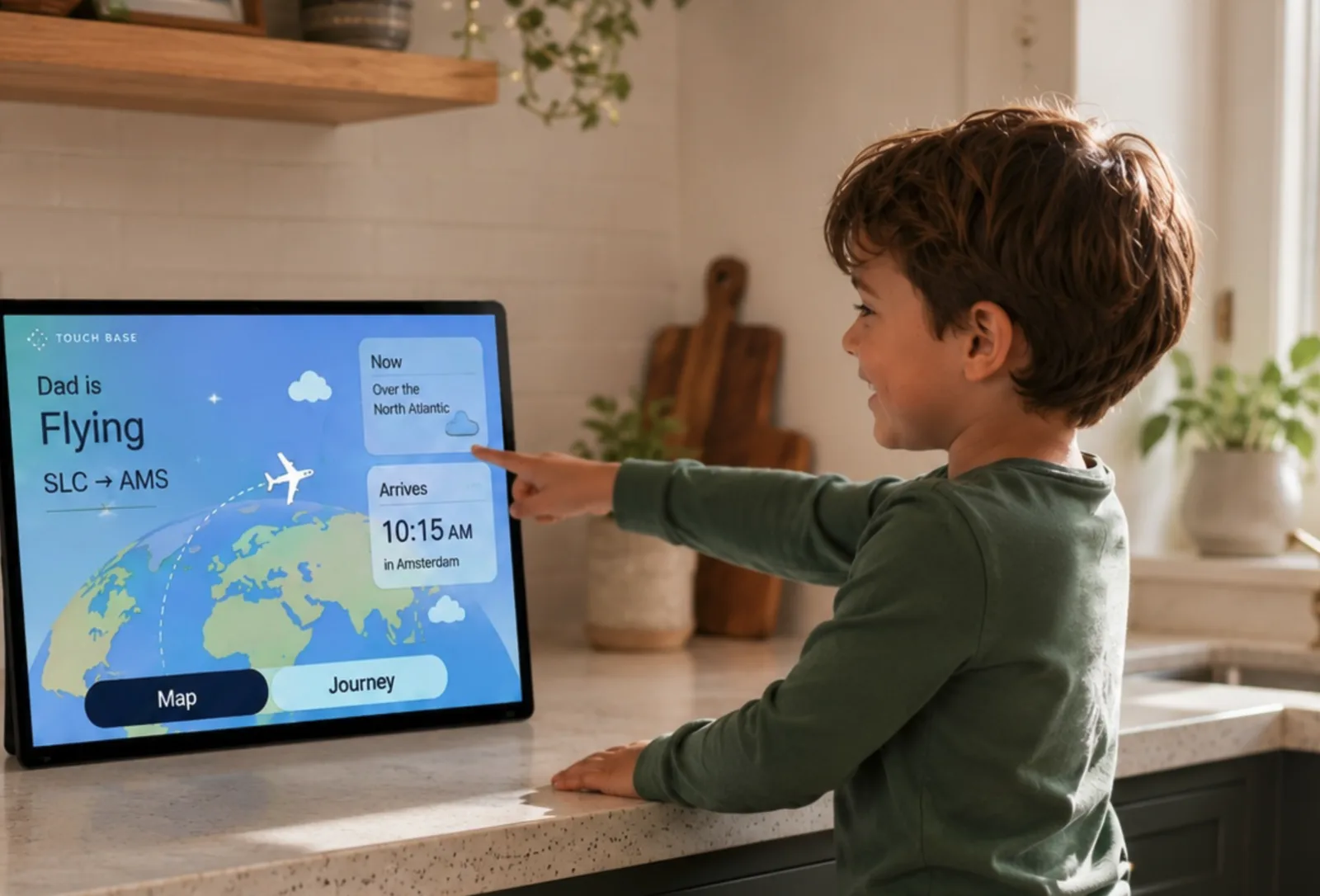
An always-on display for the kitchen. See where your pilot or flight attendant is right now, and when they'll walk back through the door — in plain language, never airline jargon.
Built by a commercial airline pilot. The crewmember always controls what's shared.
What you'll see
A glance from the kitchen tells you everything.
Airline schedules are built for operations, not for the people at home. TouchBase turns them into calm, human sentences — reassuring for a partner, simple enough for a child.
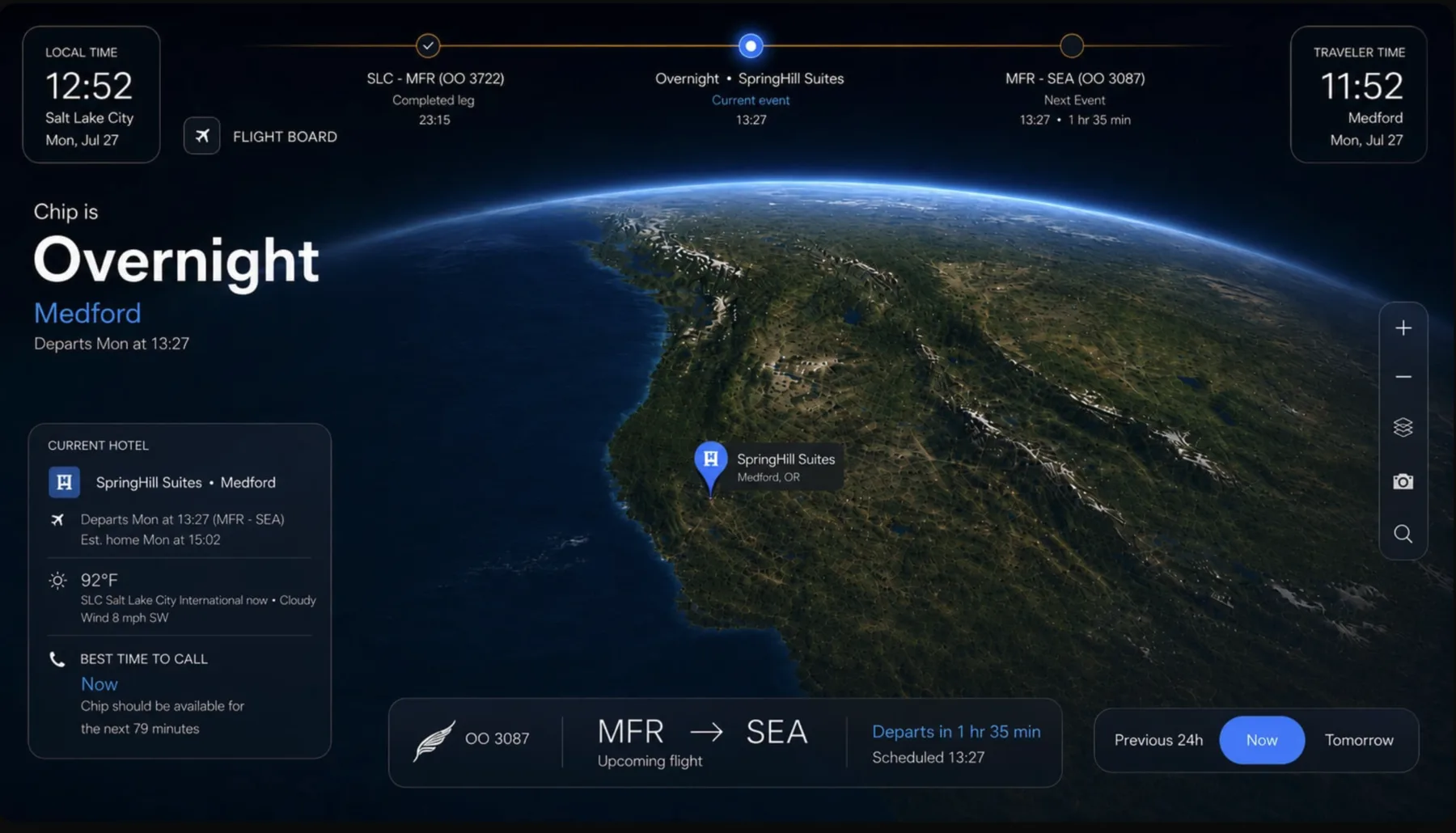
- Right now“Dad is flying — over the North Atlantic.”Live position from the aircraft itself.
- Connection“Best time to call: after 8:30 PM.”So the kids catch them before bed, in their timezone.
- The countdown“Expected home tomorrow.”An honest arrival estimate the whole family can see — and updated when the schedule moves.
How it works
Three minutes to set up. Zero jargon after that.
The crewmember connects
They import their airline schedule in one step and choose exactly what the family can see. Privacy stays in their hands.
The display comes alive
Place it in the kitchen or living room. The globe quietly follows every leg — takeoffs, layovers, hotels, rest.
Home has a countdown
Everyone can glance and know: where they are, when to call, and when the door opens again.
Who's building it
Built by a commercial airline pilot.
TouchBase started at home. Its founder flies for a living, has read the pairing codes and the reflow notices, and has watched a family try to plan a week around them. That's why the crewmember holds the privacy controls, and why nothing on the display speaks in airline jargon.
Pricing direction
We're finalizing pricing with our founding families.
Here's the direction. Tell us what feels right below.
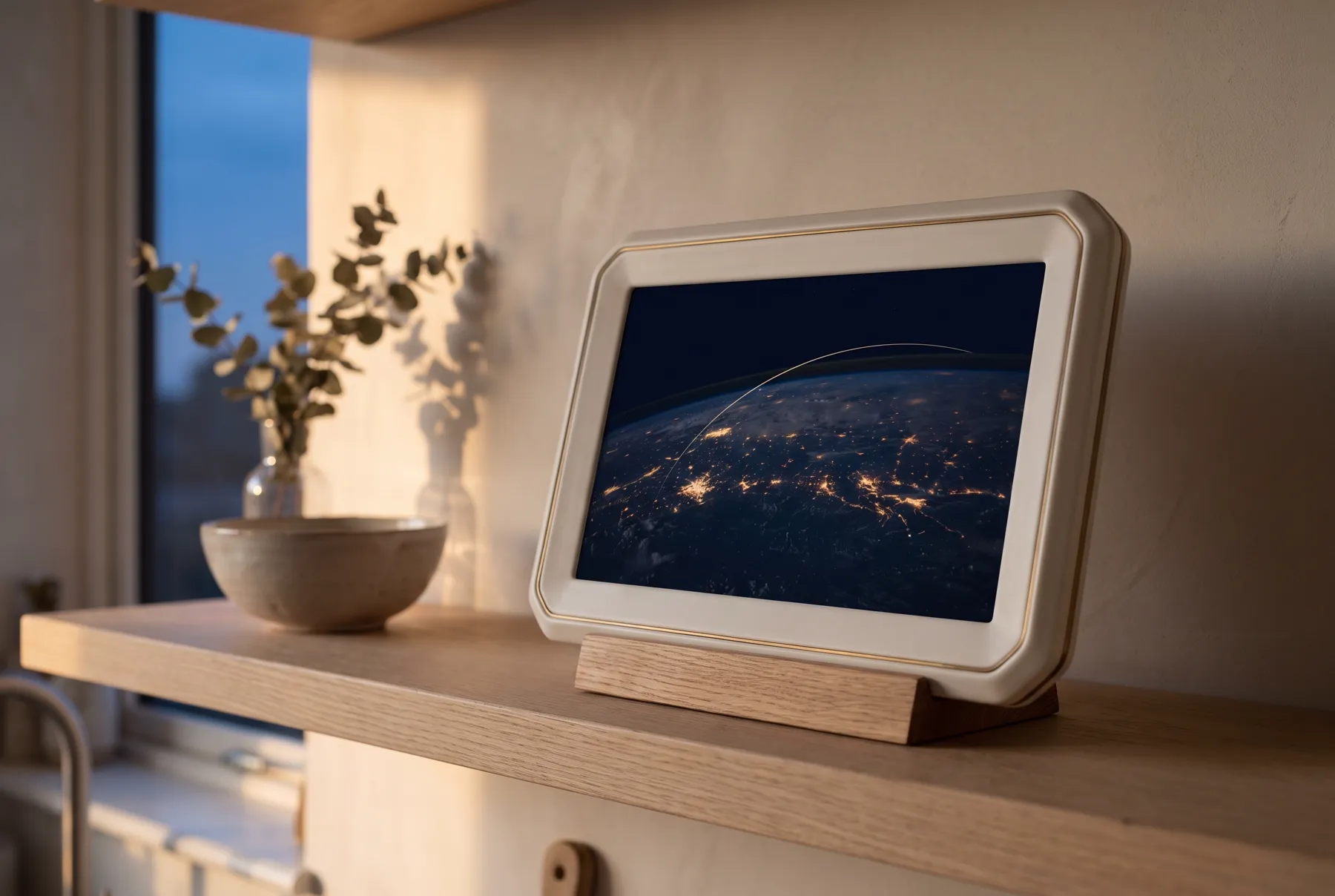
The TouchBase Display
$249 one-time · est.
A calm, always-on globe display, ready out of the box. Yours to keep.
- Ambient wall / shelf display
- The full family globe & status view
- Set up in minutes — no technical skills
- Founding-family price, limited first run
Home Connected
$8 / month · est.
Keeps the live tracking, schedule sync, and updates flowing.
- Live aircraft tracking & auto-updates
- Airline schedule import & reflow alerts
- Best-time-to-call & home countdown
- Phone + web access for the whole family
The subscription funds the live flight-data feed — and means the display keeps getting smarter.
Founding families
Be first — and help shape it.
We're building TouchBase with a small group of crew families. Join now to get founding pricing and a real say in what we build.
Thank you — you're on the founding-families list. We'll be in touch soon.